FOR ME
A space of your own.
Breaks, activities and progress. With a companion or landscapes without a pet.
Explore my space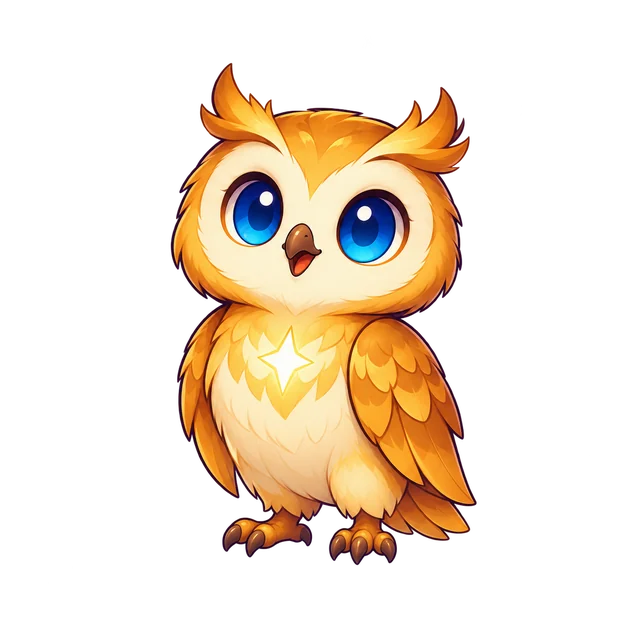
HABITS THAT FIT YOUR LIFE
Make space to read, focus and rest. For your own habits or to support your children.
Breaks, activities and progress. With a companion or landscapes without a pet.
Explore my spaceAgreements, schedules and a shared map with permissions. One path for adults and another for children.
Discover FamilyiPhone from iOS 17.4. New Family features are being tested in TestFlight.
For iPhone · iOS 17.4 and later
Recordings use example data. Some screens may vary by version.
The recordings show the app in Spanish.
FAMILY, FROM THE FIRST STEP
At setup, choose Family and each phone's role. The adult sets up the agreements; the child has their own experience, with a companion, schedules and settings.
How Family worksIn beta. Plans are in preparation; automatic location alerts require activation and permissions in each family.
TWO PHONES, ONE HOUSEHOLD
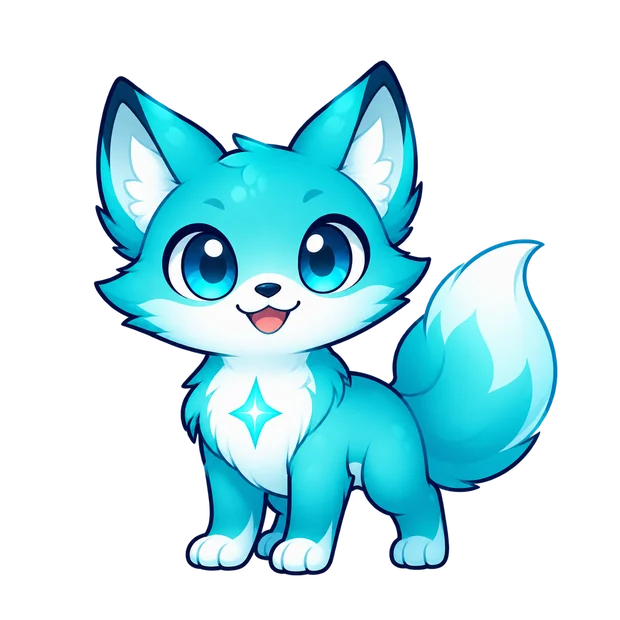 Child's phoneToday · My pet · Settings
Explanatory diagram. Connecting by QR code does not, by itself, activate protection, location or chat.
FOR YOUR HABITS
Read, study or prepare an activity in Library. Save your books and keep track of the sessions you spend on them.
Explore LibraryChoose the apps you want to protect and the intensity. Set up your own time slots and a different night schedule for each day.
Organise my schedulesView charts, comparisons with your previous week, points and achievements. Your streak counts the days you open Quitok.
See how my progress adds upChoose a companion or an experience without a pet. Change backgrounds, colours and icons, and bring your background to the widget.
Explore personalisationHELP WITH YOUR DECISIONS
Protection tailored to you.
Authorise Apple's Screen Time and select the apps you want to protect.
Lower intensity levels use cycles of usage and breaks. Higher levels divide your goal into passes.
Prepare a breathing exercise, open your book or choose something you want to do away from your phone.
INSIDE QUITOK
A pause, a book, or time to focus. See what it looks like in the app.
TOUR WITHOUT A PET
A study session and the sounds that accompany it. This is how to use Quitok without a pet.
Walkthroughs from an earlier version using sample data. No sound; this guide explains the latest features.
The recordings show the app in Spanish.
Discover all the featuresEXPLORE THE SCREENS
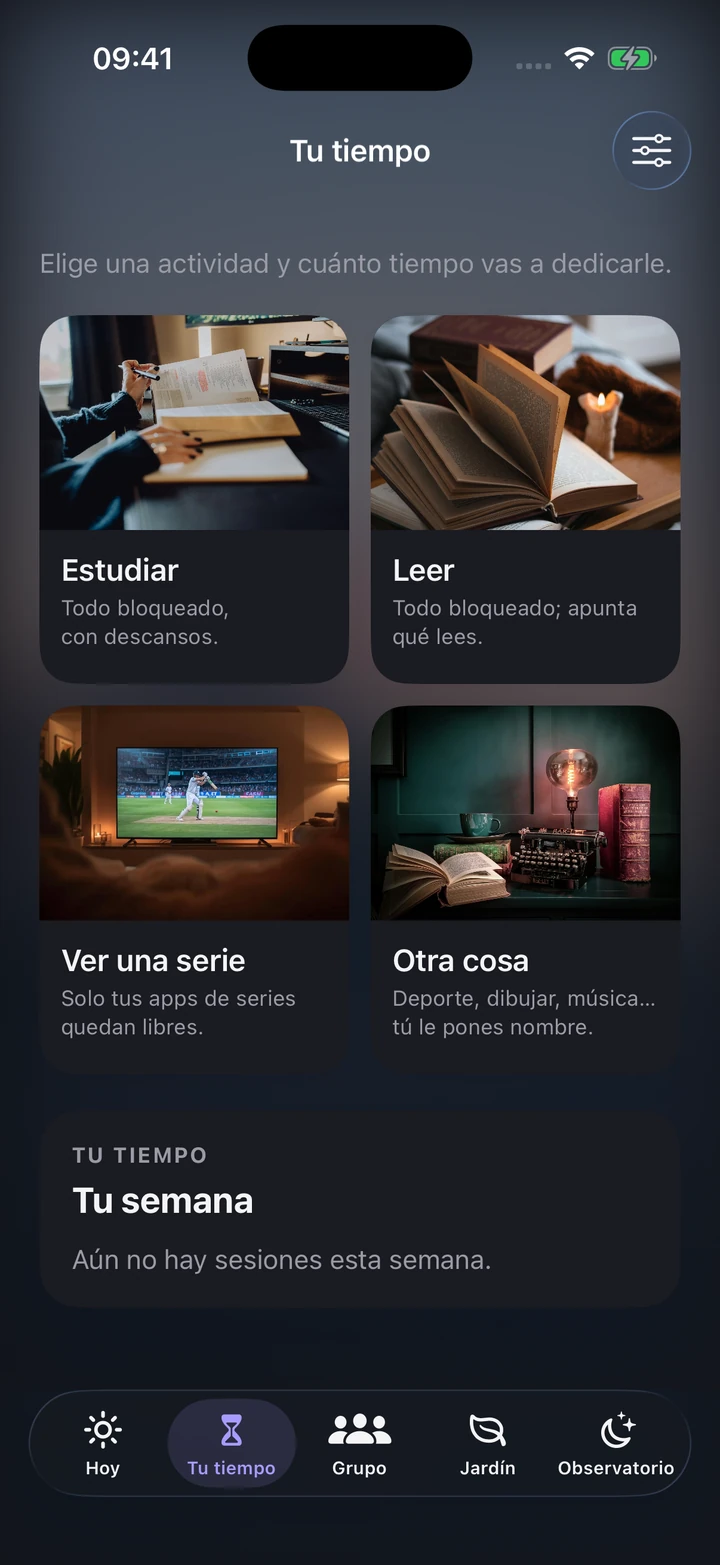
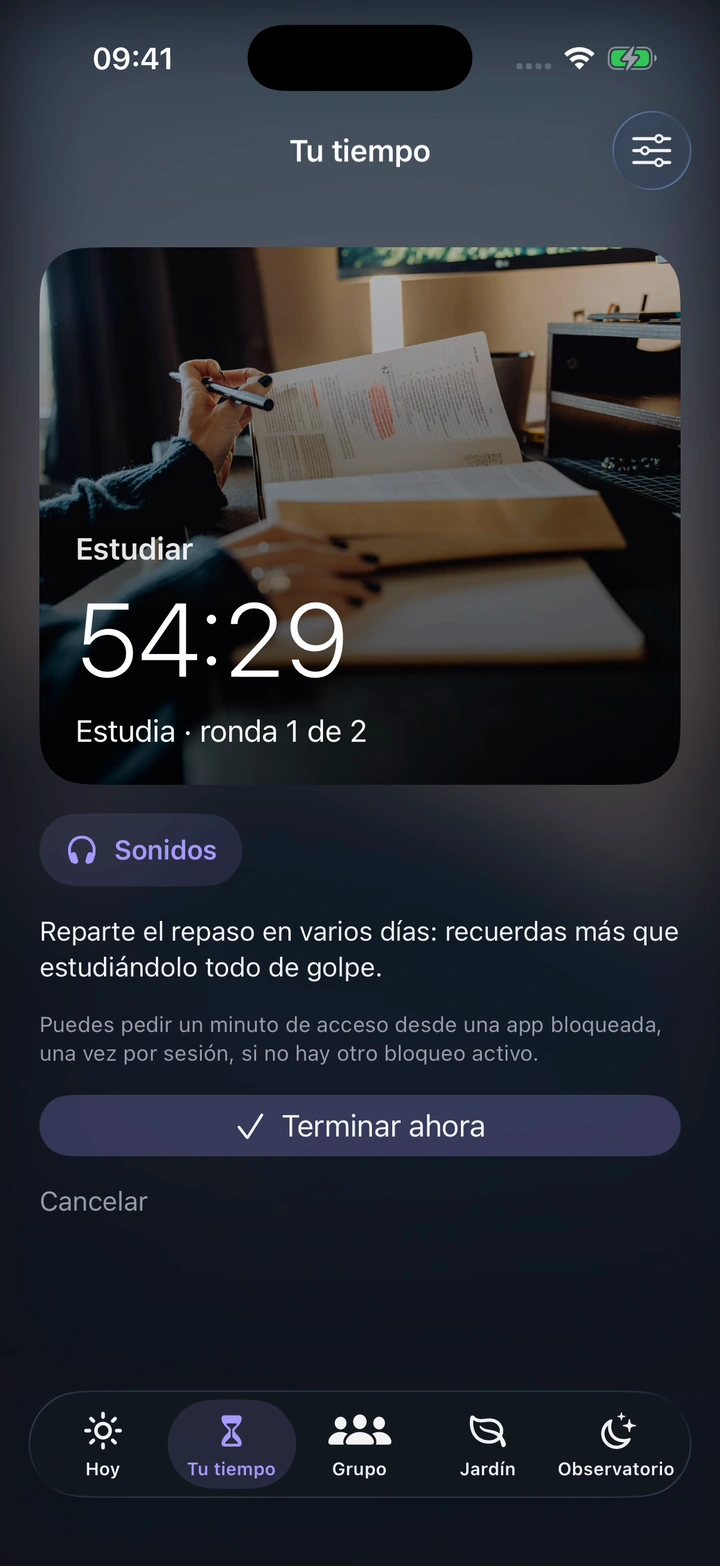
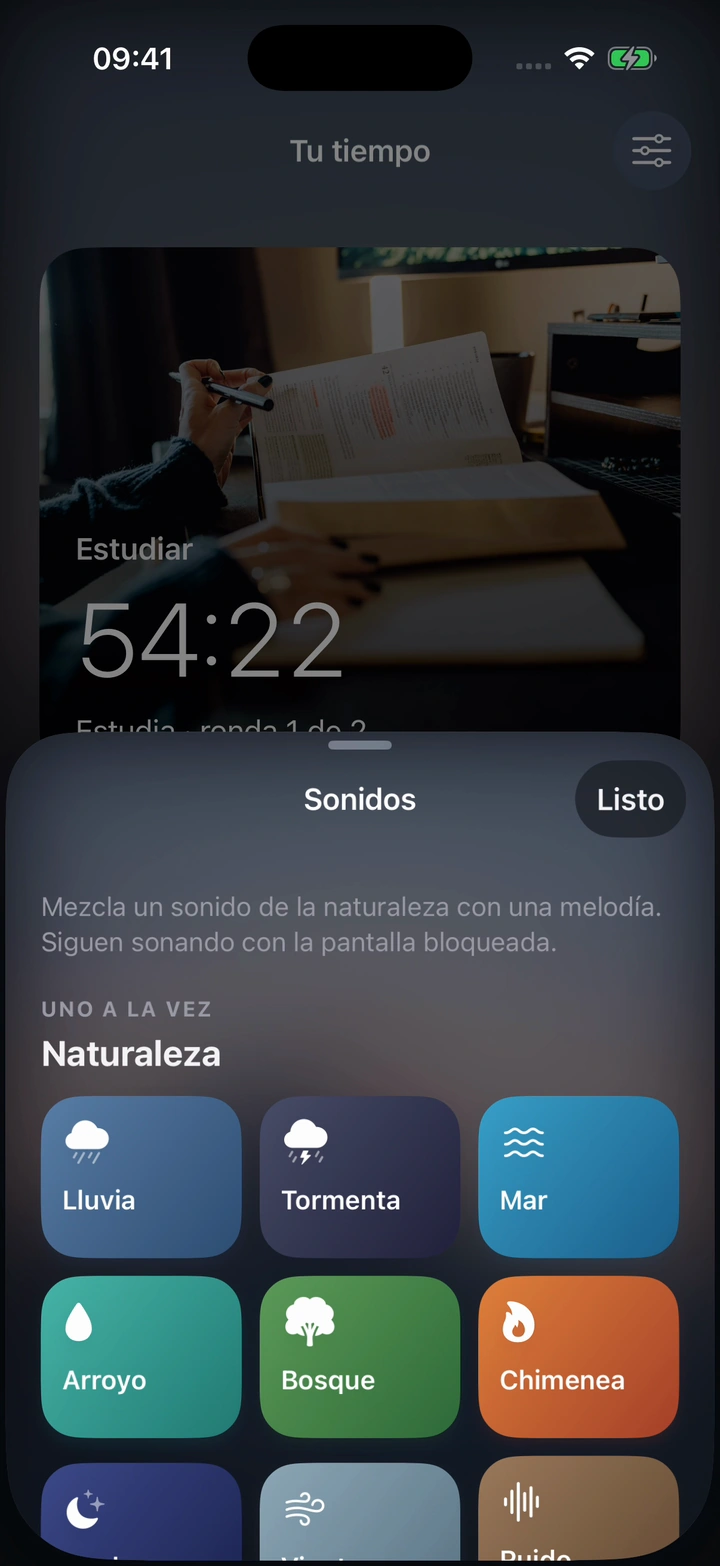
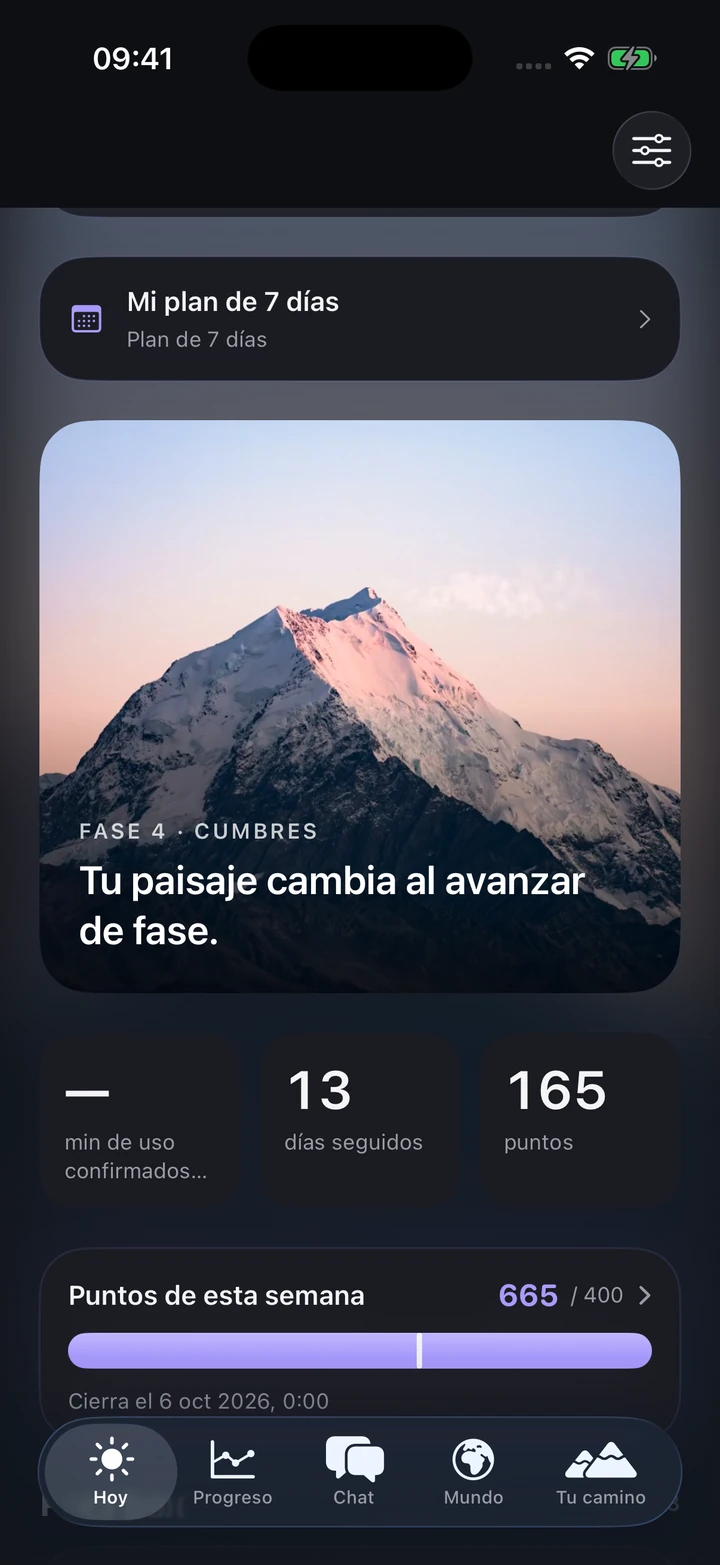
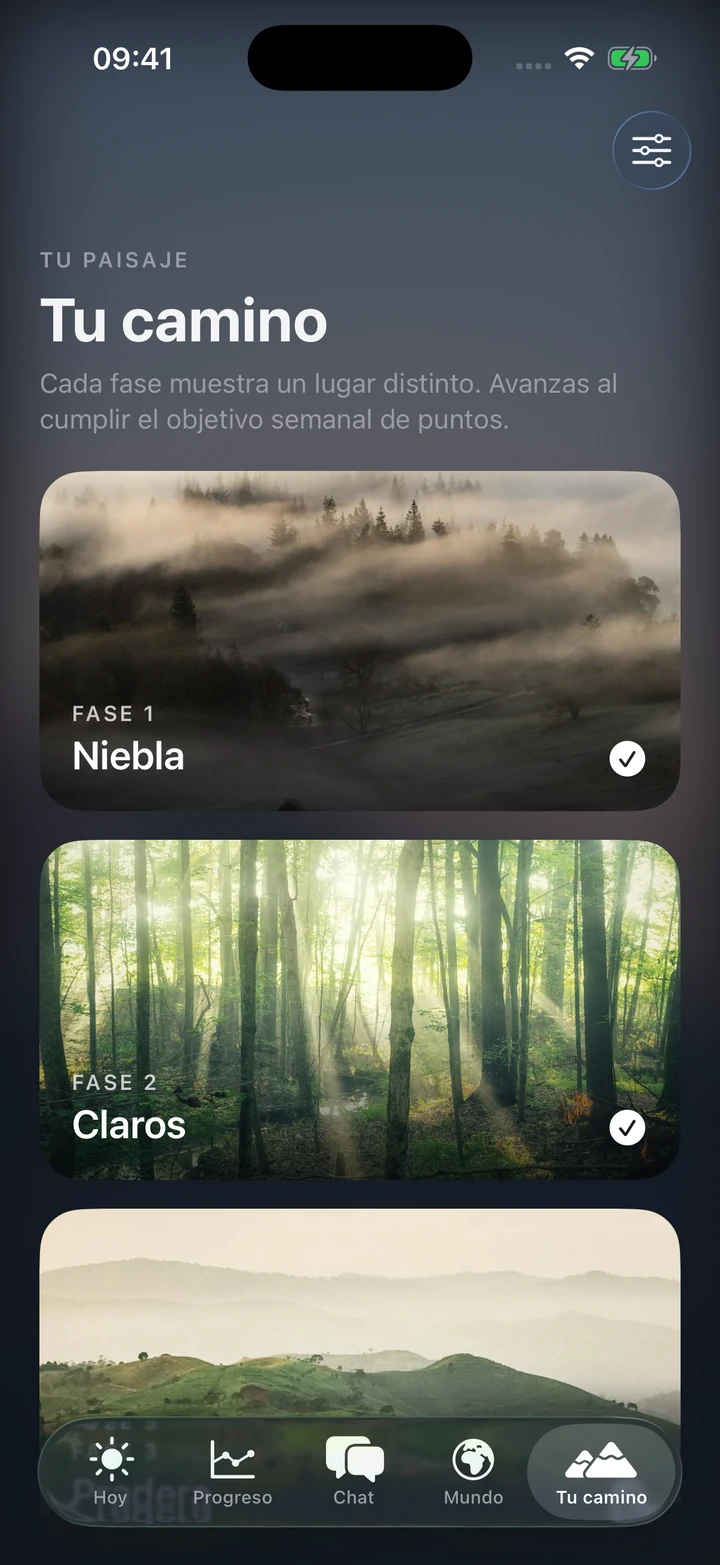
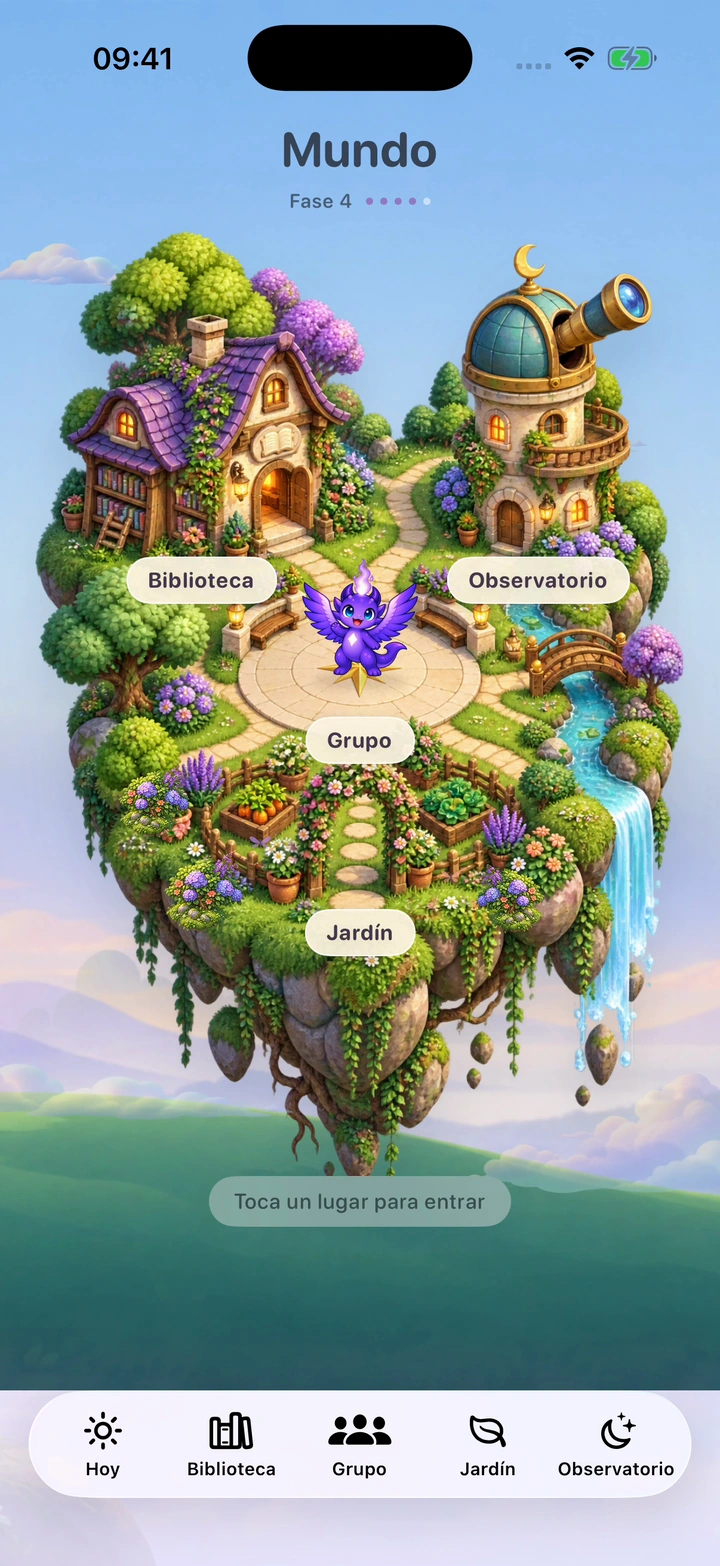
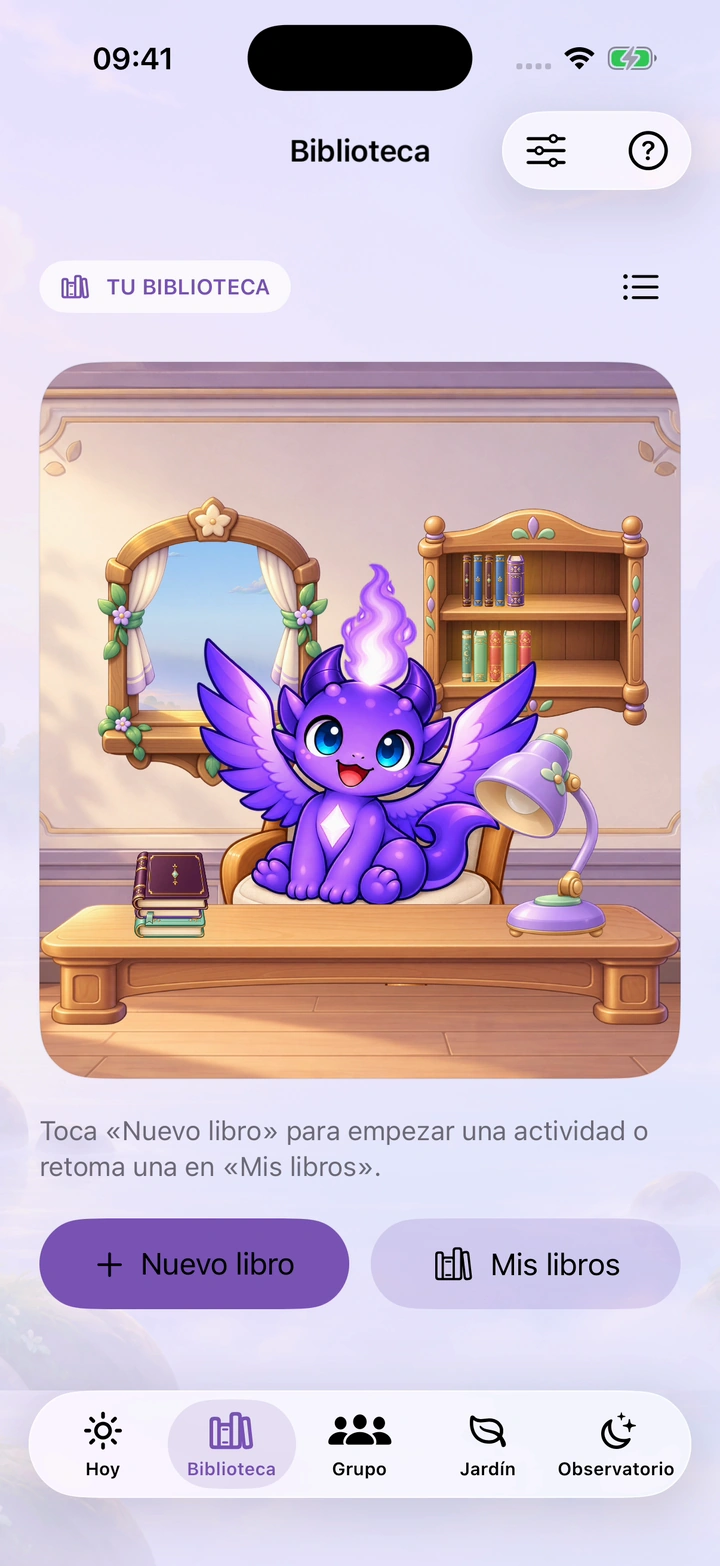
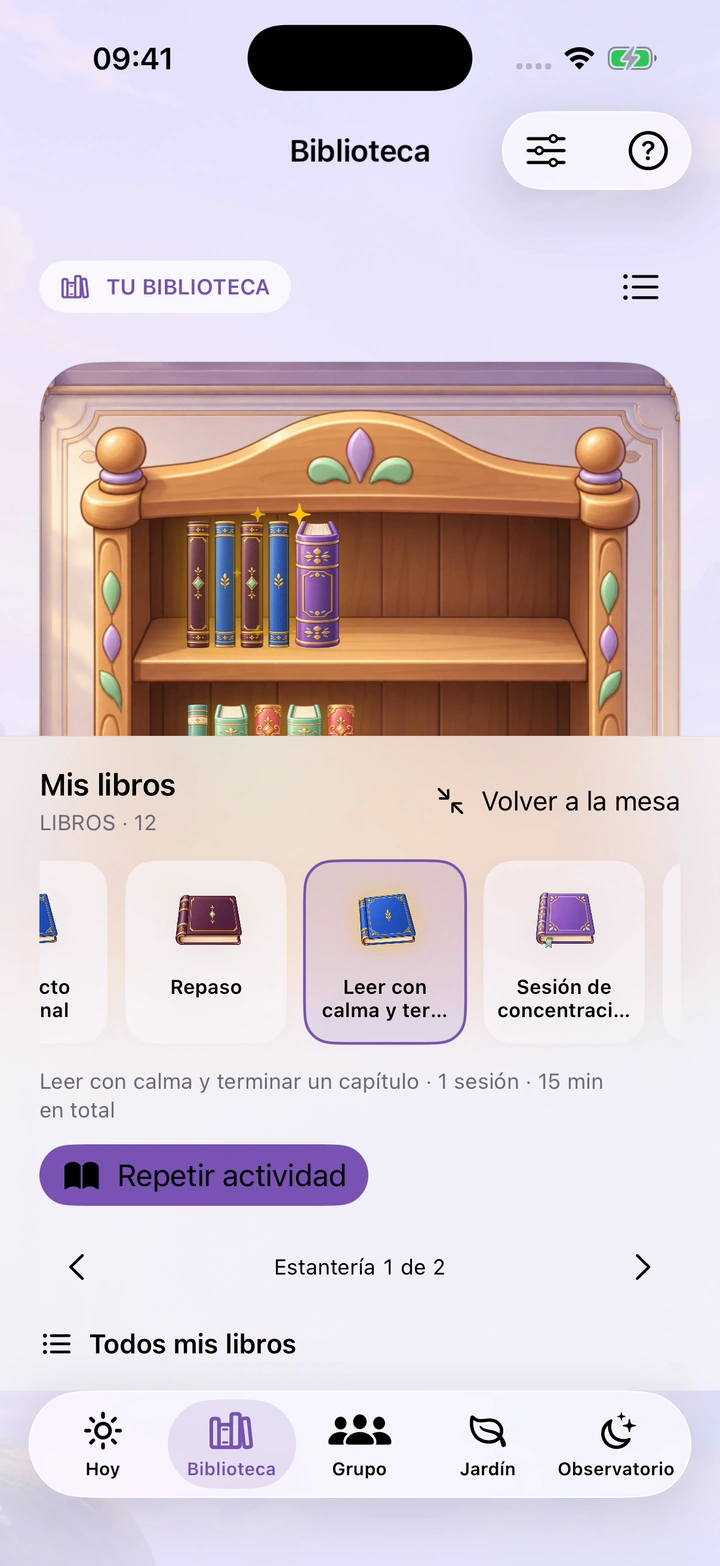
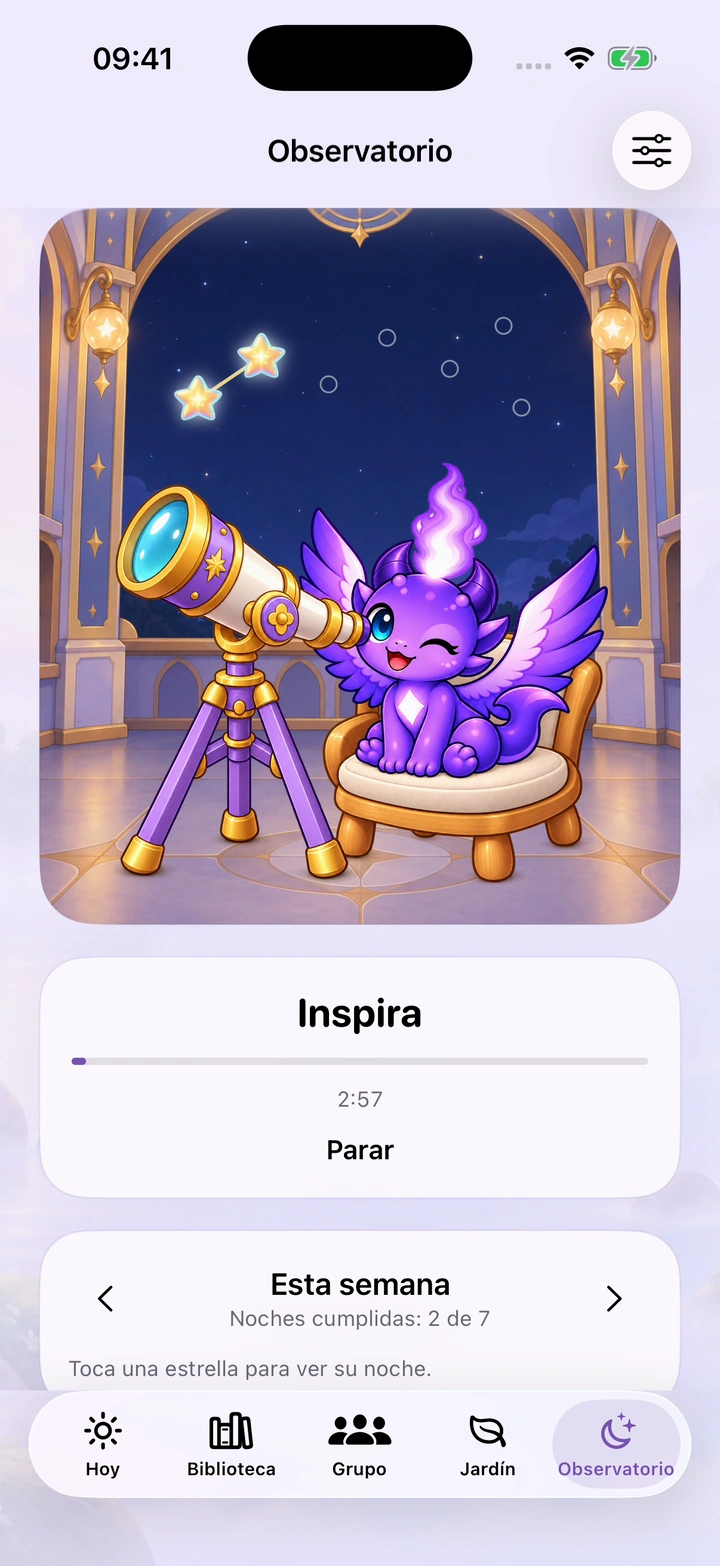
Screenshots from an earlier version using sample data. Swipe to explore; this guide explains the latest features.
ASK QUITOK
Ask how to create a schedule, where to find a feature or how your points are calculated. You can also ask for ideas for your habits.
How to activate Claude“Where can I change Friday's bedtime?”
Claude, by Anthropic, requires an account and specific permission. Ages 14–17 also need an adult's authorisation and the teenager's own acceptance. It has a daily allowance and can make mistakes.
WITH YOUR FRIENDS
Create a private group with accounts and invitations. Agree on a challenge and support each other's progress.
How groups workMADE IN BARCELONA
Guillermo created Quitok to help people reclaim the time they lose to their phones.
Discover the story of QuitokTHE ESSENTIALS
Personal mode supports your own habits and lets you choose a companion or landscapes. Family has a separate entry for the adult and the child's phone. Find the steps on the Family page.
Explore FamilyThe main personal tools are free. You can unlock backgrounds and accessories with points or crystals. Family is preparing its own plans; optional ads for backgrounds depend on provider availability.
Family and this update’s new features are being tested first in TestFlight. The map does not provide continuous tracking. Automatic alerts are enabled per family, with location and notification permissions; iOS may delay them. Plans are still in preparation.
Discover the Quitok betaPersonal tools can be used without an account. Groups, Family, Claude and private backup require you to sign in; each feature asks for its own permissions.
The new version supports iOS 17.4 and later. Some features, such as the built-in alarm, require iOS 26. The available version and its requirements are shown in the App Store or TestFlight.
THE NEXT STEP IS SMALL
Try the latest features on TestFlight
Family and new features: iPhone beta from iOS 17.4.